Add & manage clients
Create client records and keep their details up to date.
Your client list grows automatically from online bookings, and you can add clients yourself any time.
- 1Go to Clients and tap Add client.
- 2Enter their name, email and phone.
- 3Set notification and marketing preferences under Settings.
- 4Save. Tap any client row later to edit them.
Marketing email broadcasts only reach clients who have an email and have opted in. Set this on the client's Settings tab.
Message a client
Reach a client over WhatsApp, text, call or email in one tap.
Open a client's profile, or open one of their appointments, to see quick-contact buttons.
- 1Open the client profile or an appointment.
- 2Tap WhatsApp, Text, Call or Email.
- 3Your phone opens the right app with a message already started.
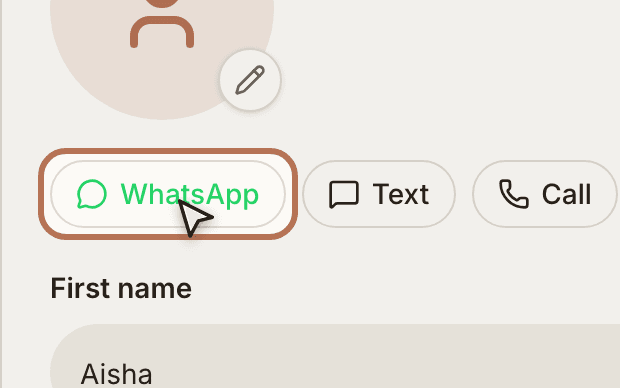
From an appointment, the message is pre-filled with the service, date and time, handy for confirmations.