Create your service menu
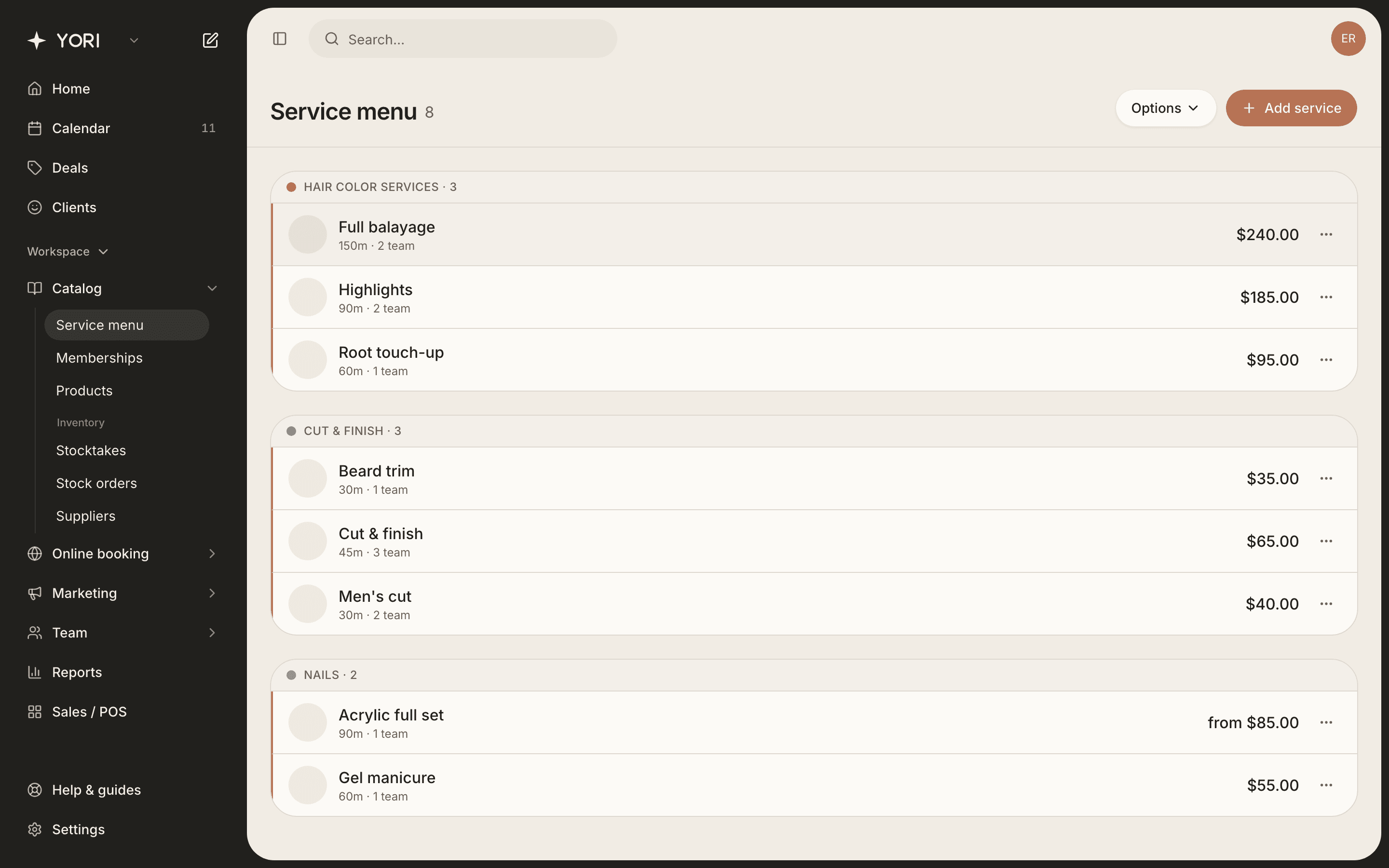
Add services, organise them into categories, and set pricing.
Services are what clients book. Each has a name, duration, price and category.
Add a service
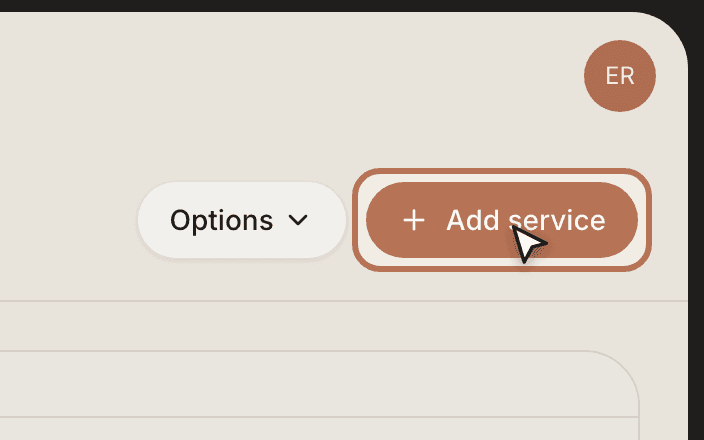
- 1Go to Catalog → Service menu and tap Add service.
- 2Enter a name, pick or create a category, and set the duration.
- 3Choose a price type (Fixed, Free, From, or Variable) and the price.
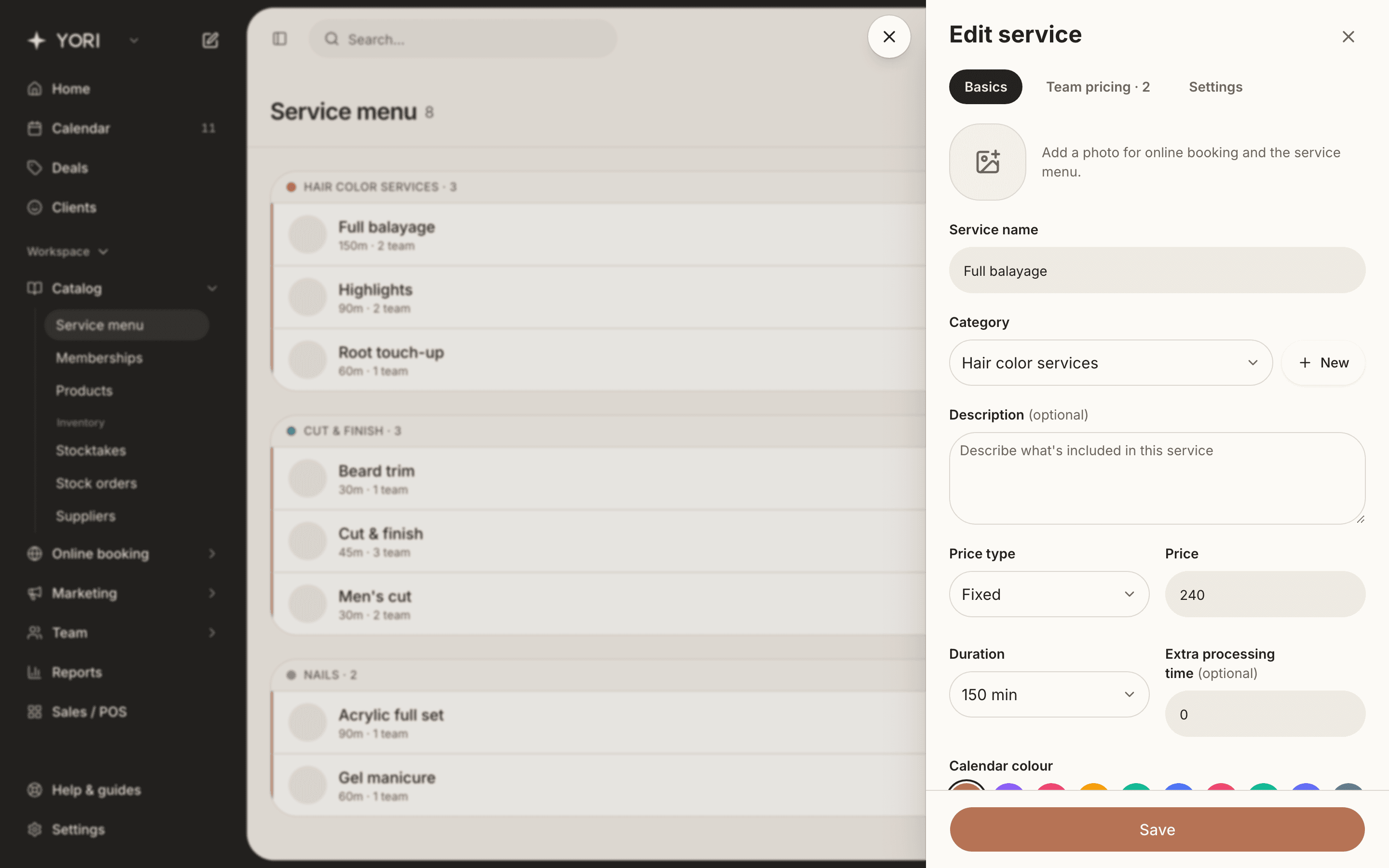
Turn off “Available for online booking” to keep a service bookable by you but hidden from clients.
Organise with categories
Use the Options menu on the service menu to manage categories: rename them, recolour them, or add new ones. Each service belongs to one category, which also groups your online booking page.
FAQs
Per-staff pricing & assignments
Let different team members charge different prices for the same service.
On a service's Team pricing tab, choose who performs it. Each person can keep the default price or have their own.
- 1Open a service and go to the Team pricing tab.
- 2Toggle on each team member who performs it.
- 3Turn on Custom pricing for anyone who charges a different price or takes a different amount of time.
- 4Save. Bookings with that person automatically use their price.