Sell products & track stock
Add retail items, watch stock levels, and sell them at checkout.
Products are retail items you sell alongside services, like pomade, shampoo, gift cards.
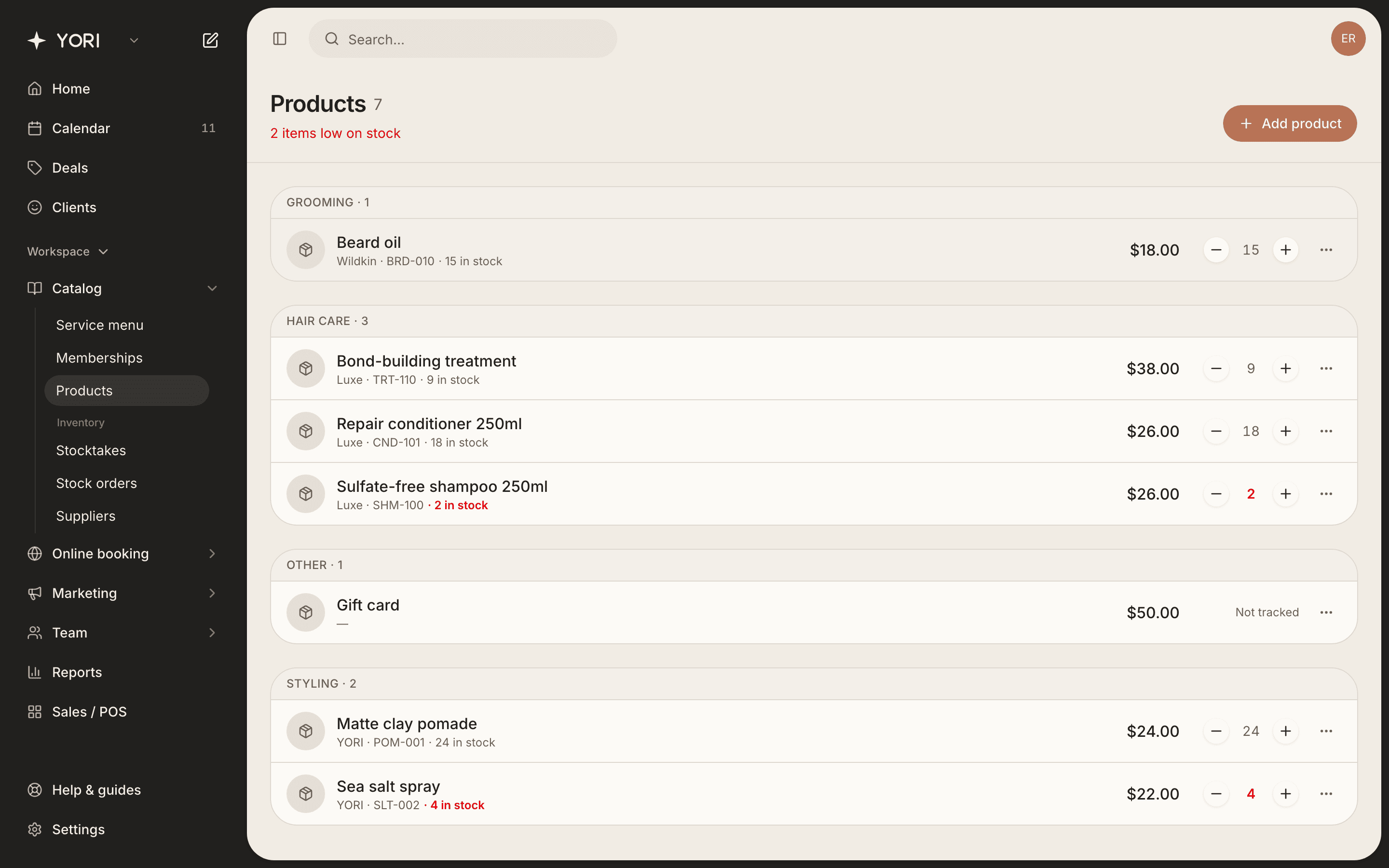
- 1Go to Catalog → Products and tap Add product.
- 2Enter the name, retail price and (optionally) cost price, brand and SKU.
- 3On the Stock tab, turn on tracking and set the quantity and a low-stock alert.
- 4Save. Use the +/- on each row to adjust stock quickly.
At checkout, tap Add product to include items on the sale, and stock is reduced automatically.