Send an email broadcast
Email an offer or update to your opted-in clients.
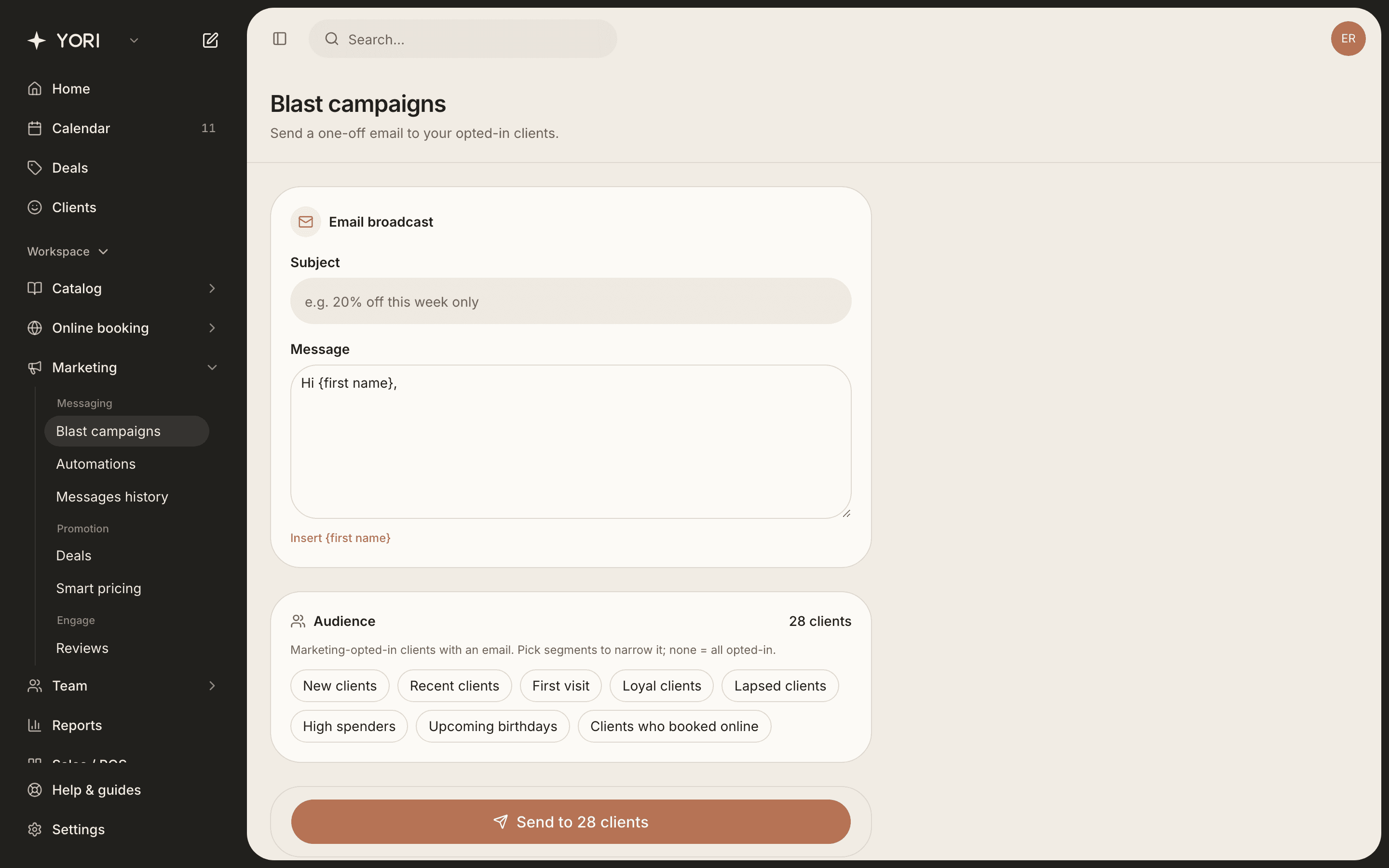
Marketing → Blast campaigns lets you send a one-off email to your clients.
- 1Write a subject and message. Use {first name} to personalise each email.
- 2Choose an audience: all opted-in clients, or narrow it with segments like New, Loyal or Lapsed.
- 3Check the recipient count, then Send.
- 4See everything you've sent under Marketing → Messages history.
Only clients with an email and a marketing opt-in receive broadcasts. That keeps you compliant and your sends welcome.